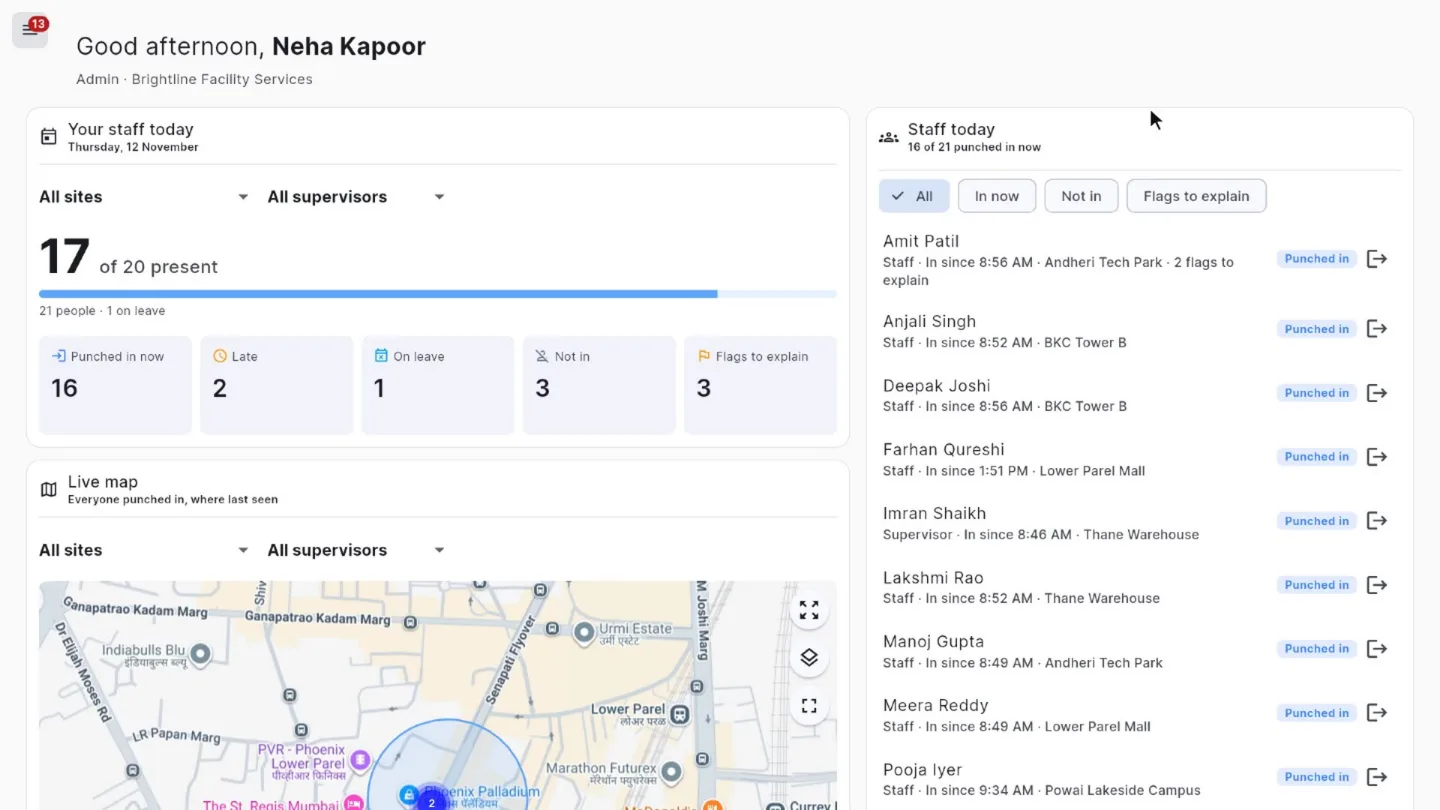
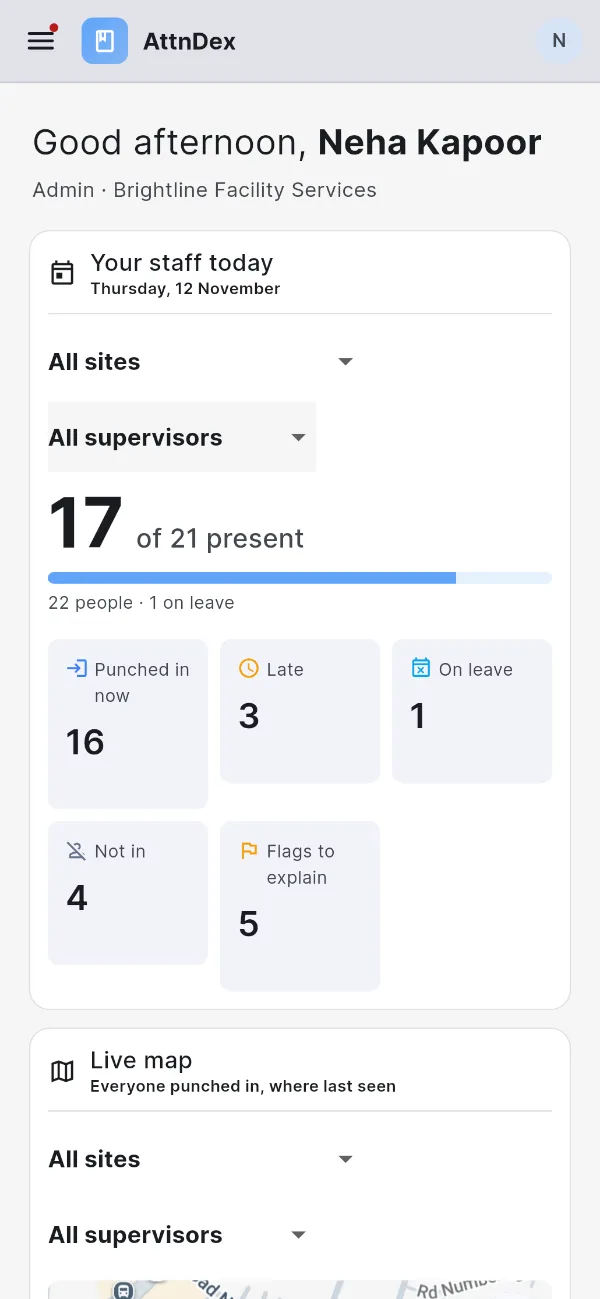
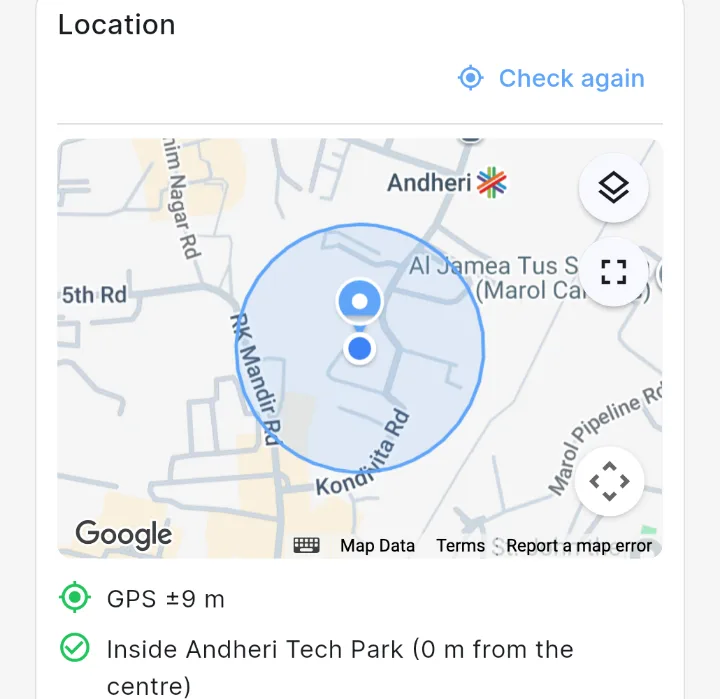
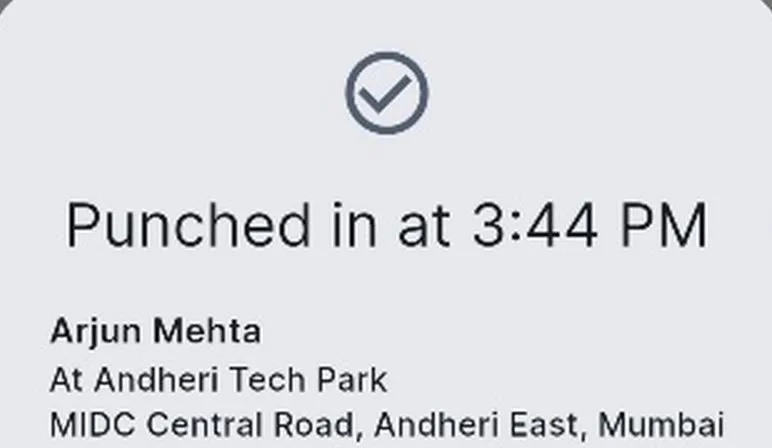
Your staff punch in on their Android phones. attnDex checks the place, the time and their face before the punch counts, and shows you your whole team, live, on any computer.Staff punch in on Android. Each punch is checked for place, time and face, and you see your whole team live.
From a punch on the phone to the owner’s dashboard. Each video is under half a minute; the tour shows it all.
attnDex in three minutes
Punching in on the phone, the live dashboard and map, a flagged day traced, the calendar, leave and corrections, face enrolment, work zones and roles.
Punch in on the phone
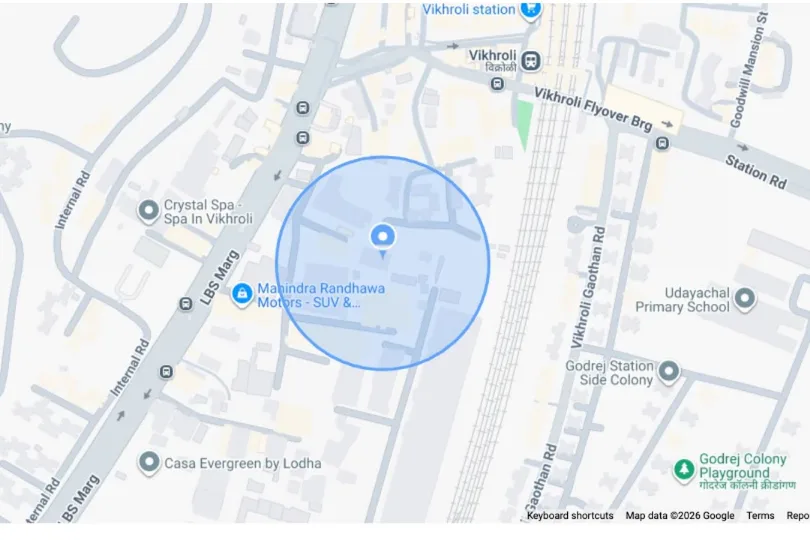
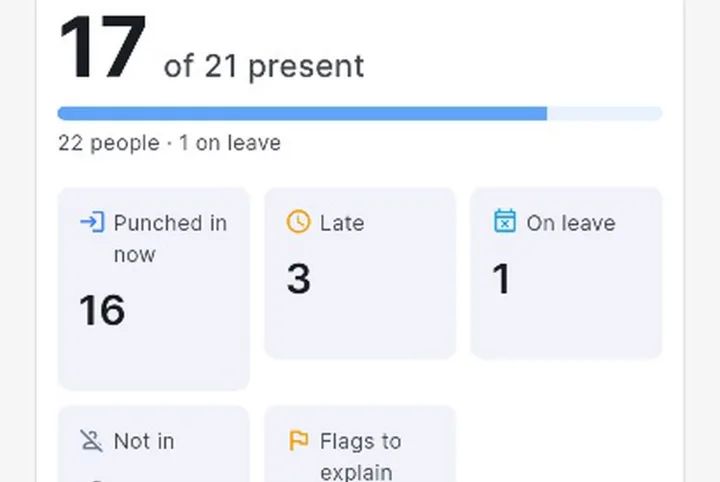
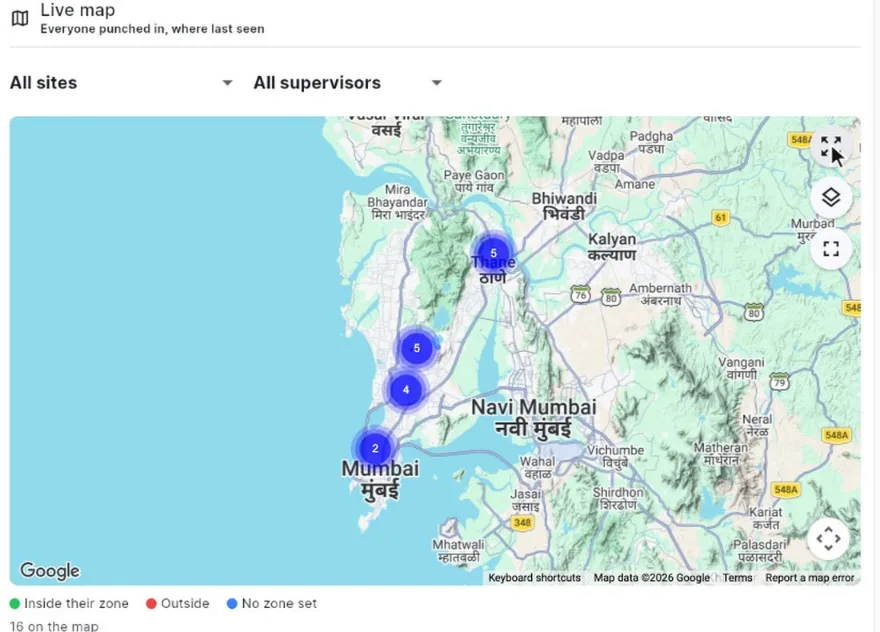
The live dashboard and map
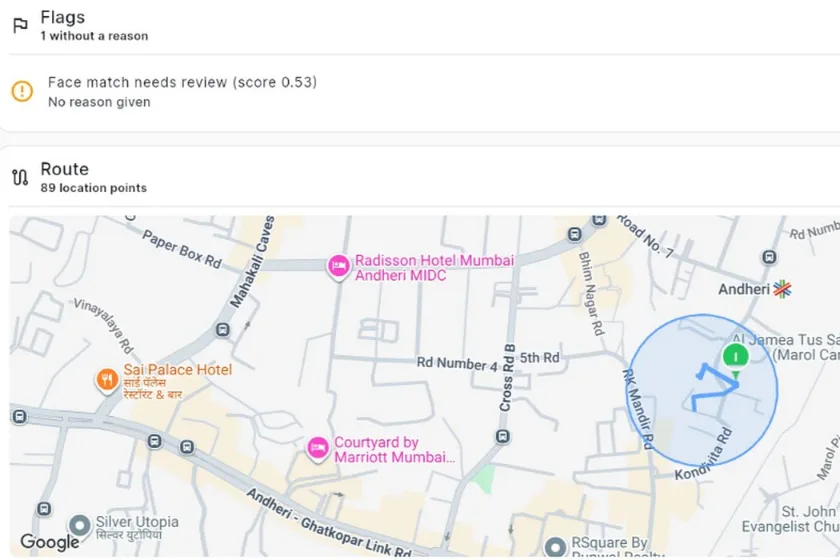
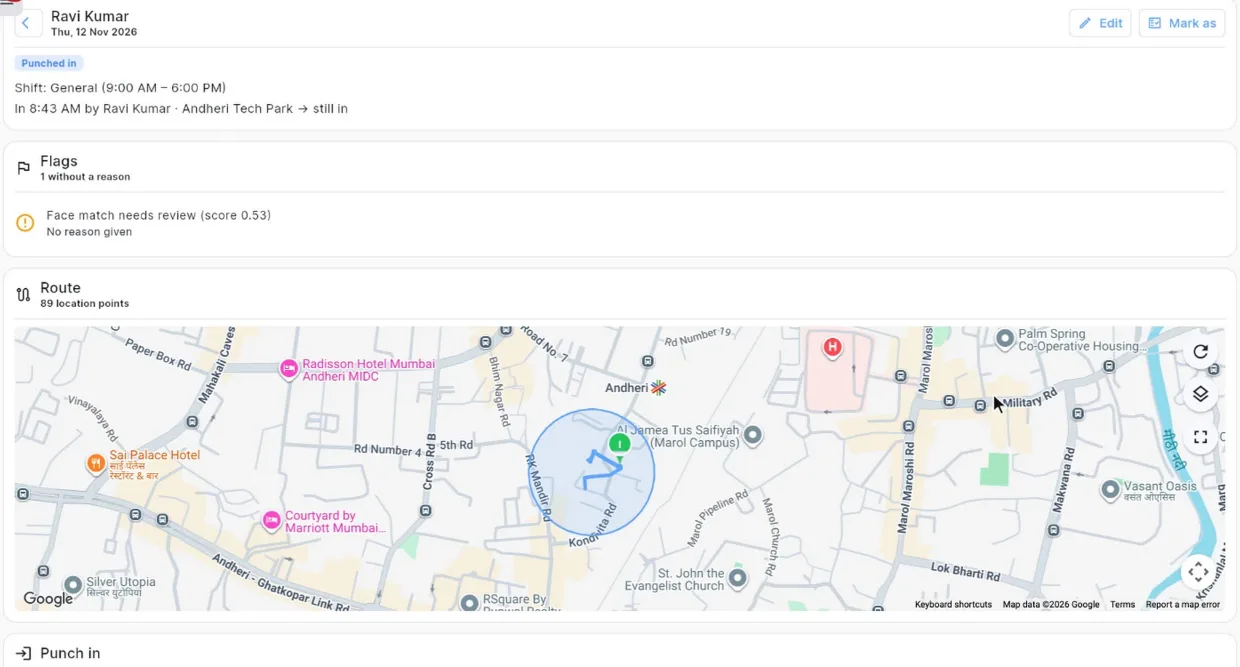
Trace every punch
The attendance calendar
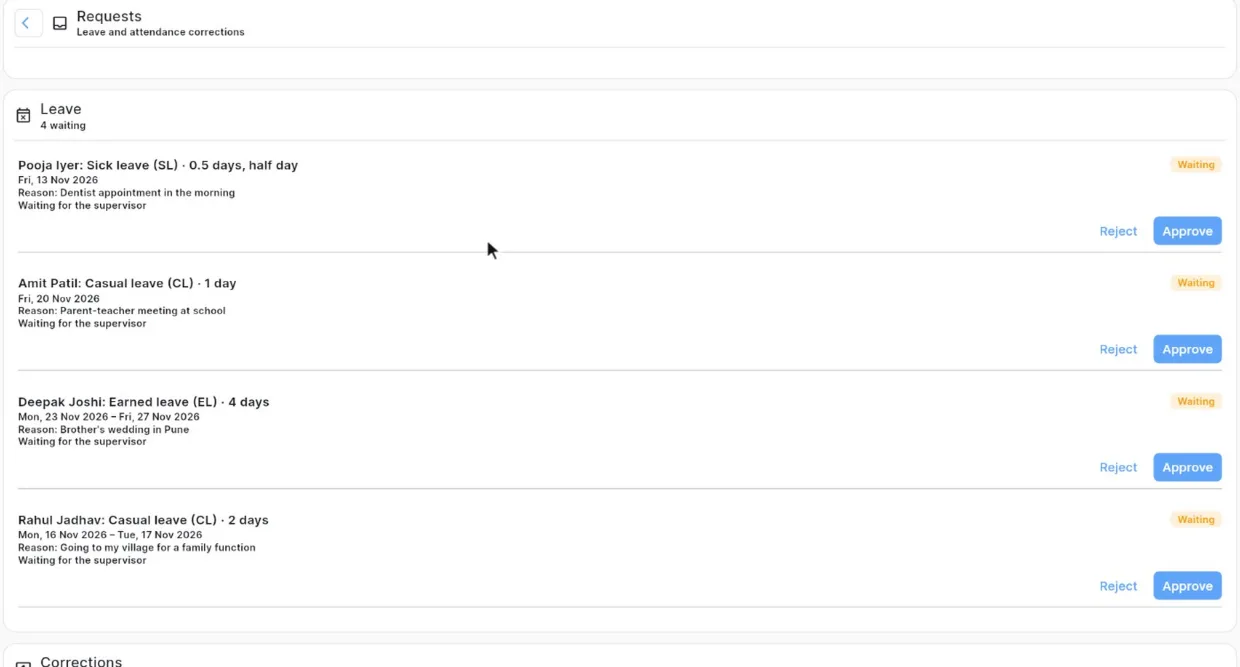
Leave and corrections
Face enrolment
Edits with an audit trail
Notifications
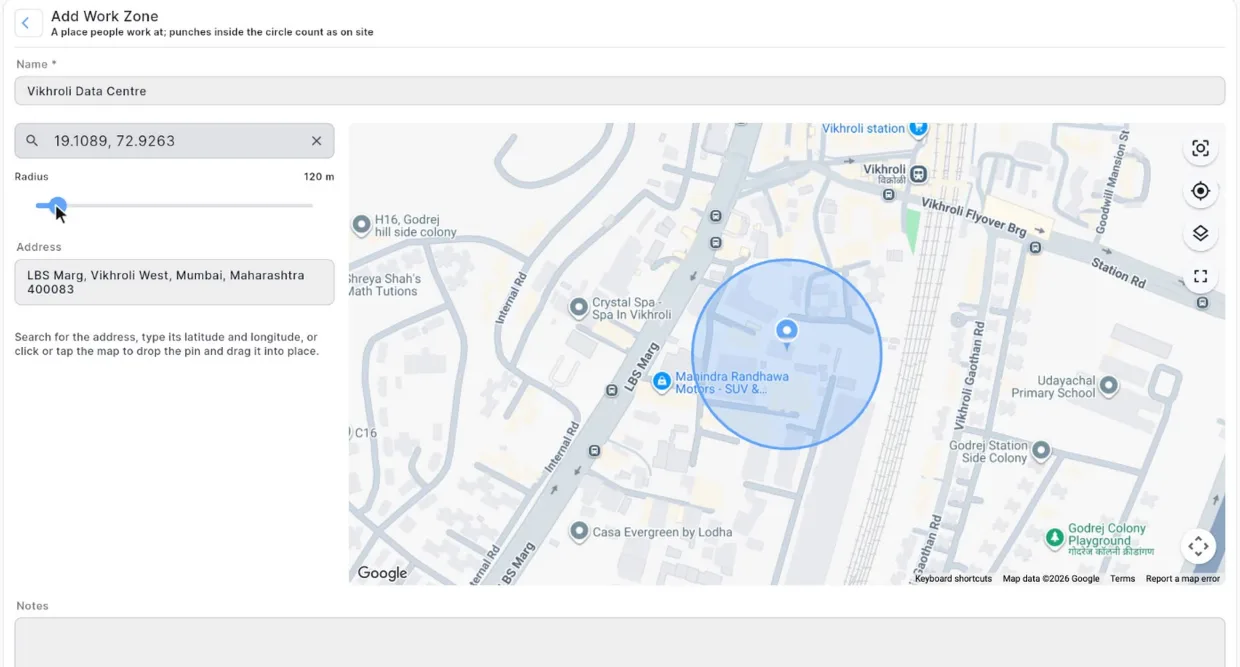
Work zones on the map
Shifts, holidays and leave types
Roles and people
Android, iPhone and the web
Videos recorded in attnDex, with sample data
How it works
Up and running in four steps.
Get in touch
Tell us about your business.
Tell us your name, your business, your city and how many people you have. We set up your business and your sign-in.
Add your sites and people
Work zones, shifts and your team.
Draw your work zones on the map, set shifts, holidays and leave types, and add your supervisors and staff with their mobile numbers.
Enrol faces
A three-angle scan, approved by you.
Each person scans their face once on an Android phone, with blink and head-turn checks. It counts once you approve it.
Punch and follow the day
Staff punch in; you see it live.
Staff punch in on Android. You follow the day on the dashboard and the live map, from a computer or a phone.
For your team
Built for everyone on your team.
Each person sees what their role needs, and nothing more.
The owner
Your whole team, live, from anywhere.
See who’s in, late, on leave or not in, for every site
Check flags, face matches and the route of any day
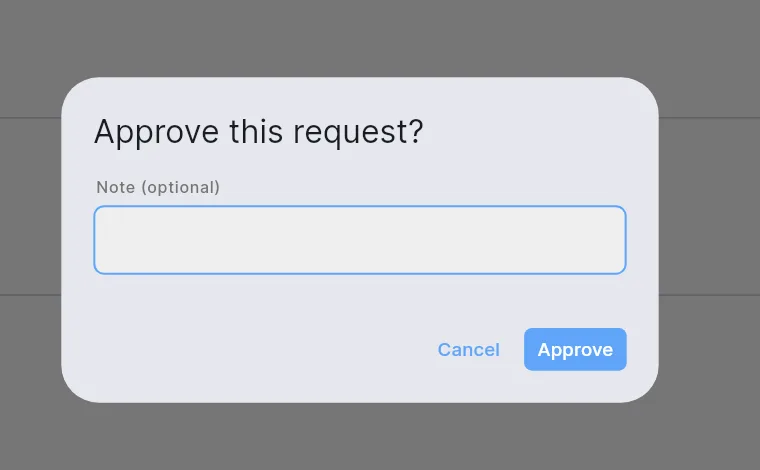
Approve faces, leave and corrections
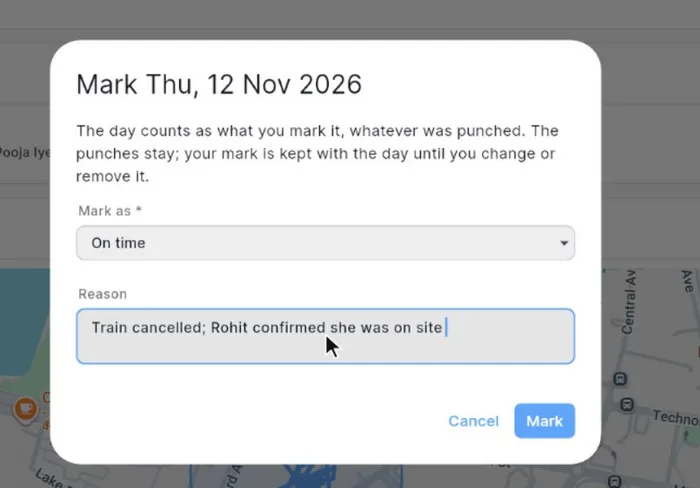
Change a day with a reason, always audited
Set up sites, shifts, holidays and leave types
Supervisors
Run their team, even staff without phones.
Punch in staff who don’t carry a phone, on their own phone
See their team today, and any team member’s month
Decide their team’s leave and corrections
Edit a team member’s day with a reason; the admin is told
Staff
One tap to punch, and their own month in view.
Punch in and out with one tap, even with no signal
See their own month on a colour-coded calendar
Ask for leave or a correction from the phone
Get told when a request is decided
A day with attnDex
Morning
Staff punch in at the site.
Staff punch in on their phones at the site. The dashboard fills up: in now, late, not in.
During the day
See where the shift goes.
The live map shows everyone where they were last seen. Leaving the zone asks why, there and then, and tells you.
Evening
Punch out, or get flagged.
Staff punch out. At the end of the day, a missed punch-out is flagged and absences are marked.
Month-end
The whole month, in one grid.
Everyone’s month is in one grid, with leave, holidays and weekly offs already filled in.
Why it’s different
Attendance you can trust, not a register.
AreaBeforeWith attnDex
Signing in
With attnDex: A punch checked for place, time and face.
Before: A paper register anyone can fill in.
With attnDex: A punch on the phone, checked against the site’s work zone, the time and the approved face.
Who’s on site
With attnDex: One live dashboard and map.
Before: Phone calls to every site.
With attnDex: One live dashboard and map, for every site and supervisor.
Punching for a friend
With attnDex: The face has to match.
Before: Easy to do, and hard to catch.
With attnDex: A live face scan with blink and head-turn checks, matched against the approved face.
Late and absent
With attnDex: Counted as it happens.
Before: Found out at the end of the month.
With attnDex: Late arrivals are counted as staff punch in. Absences and missed punch-outs are marked at the end of the day.
Sites with no signal
With attnDex: Punches wait on the phone.
Before: No signal, no record.
With attnDex: Punches wait on the phone and go in order when the connection is back.
Leave and corrections
With attnDex: Asked and decided in the app.
Before: Paper forms and WhatsApp messages.
With attnDex: Asked for in the app and decided in a tap, with the reason and the decision on record.
Changes
With attnDex: A reason for every change.
Before: Changed without a trace.
With attnDex: A reason for every change, and an audit trail of who changed what, and when.
Your data
Honest records, handled with care.
Here is what attnDex does to keep attendance honest and your team’s data safe.
OTP sign-in for everyoneEveryone signs in with their own mobile number and a one-time code (OTP).
Each business kept separateEach business’s data is kept separate, and access rules are enforced on our servers.
Records written by the serverPunches and changes are checked and written by our server. A phone can’t edit its own attendance.
Face photos kept privateFace photos are stored privately and shown only inside the app, to the people allowed to see them.
Location only during a shiftLocation is recorded only from punch-in to punch-out, with an “On shift” notification on the phone. In an emergency, you can see where to send help.
Told before anything is collectedThe app explains what it collects, and why, before it asks for location. The face scan screen says the photos are kept to check punches.
Faces count once approvedA face scan counts only after the admin approves it.
Switch someone off at onceDeactivate someone, and their sign-in stops working.
FAQ
Questions, answered.
What is attnDex?
An attendance app for businesses whose people work across sites. Staff punch in on Android phones, and each punch is checked for place, time and face. The owner and supervisors follow the day live, from a phone or a computer.
Which phones can punch in?
Punching is on Android phones. The owner can also manage everything from a web browser or an iPhone. Supervisors and staff can see their attendance there, and punch on Android.
What if a site has no mobile signal?
The Android app works offline. Punches, location and reasons for leaving the zone wait on the phone, and go in order when the connection is back.
Some of our staff don’t carry phones. Can they still punch in?
Yes. Their supervisor punches them in on the supervisor’s own phone, after punching in themselves. Their face is scanned the same way, and their location comes from the supervisor’s phone.
How does the face check work?
Each person scans their face once, from three angles, with blink and head-turn checks, and the admin approves it. At every punch, a live scan is matched against that approved face. A clear miss is refused. A borderline match goes through, flagged for you to check.
What if someone punches in from outside the site?
The punch is flagged, and they have to give a reason before it goes. Rough GPS, fake location apps and rooted phones are flagged too, so you can check them.
Is location tracked all the time?
No. Only from punch-in to punch-out, while a notification on the phone shows the shift is on. It’s there for your staff’s safety first: in an accident or emergency, you can see their live or last known location on the map and send help to that spot. If someone leaves the work zone during the shift, the app asks them why and tells you and their supervisor. If they forget to punch out and stay away from the zone for more than 8 hours, it stops by itself.
Can attendance be changed afterwards?
Yes, by the admin, or by a supervisor for their own team, always with a reason. Staff can ask for a correction. Every change is kept in the day’s audit trail.
How do we get started?
Get in touch with us. We set up your business and your sign-in. Then you add your work zones, shifts and people, and everyone signs in with their own mobile number.
Can I sign up on my own?
No. attnDex is made for businesses and their employees, not for personal use, so there is no sign-up. We set up each business, and its admin adds every employee with their mobile number. If your workplace uses attnDex, ask your manager to add you, then sign in with that number.
Bring your team on attnDex.
Tell us about your business. We’ll set up your account and help you add your sites and people.
Contact details coming soon.
Already use attnDex? Sign in on the web, or open the app on your Android phone.